27 providers · one menu bar item
ClaudeBar reads the usage limits your AI coding tools already know about — Claude, Codex, Gemini, Copilot, Cursor, Windsurf and more — and keeps them a glance away. Native SwiftUI. No sign-up. Apache 2.0 licensed.
brew install --cask claudebar
macOS 15 or later · free forever · auto-updates via Sparkle
The board
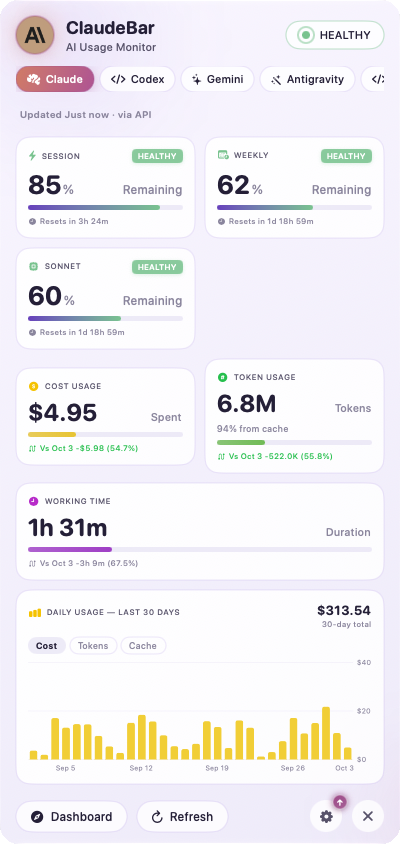
ClaudeBar reads each provider the way that provider expects — its CLI, its API, its local server, its own database. Nothing to configure for most of them; enable only the ones you use.
A few need one-time setup — Copilot credentials, an AWS profile, a Kimi mode. It's all in the requirements guide.
At a glance
Every quota carries a status, and the status carries a colour. You learn to read the menu bar without reading it — and a macOS notification arrives the moment something crosses into warning or critical.
Themes
Light and Dark ship built in. System follows your macOS appearance. CLI matches your terminal. Pop is bold and playful. Christmas turns itself on for the holidays.
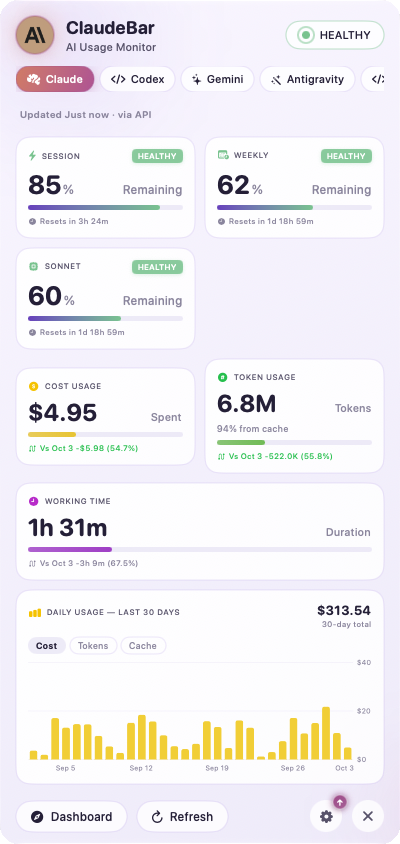
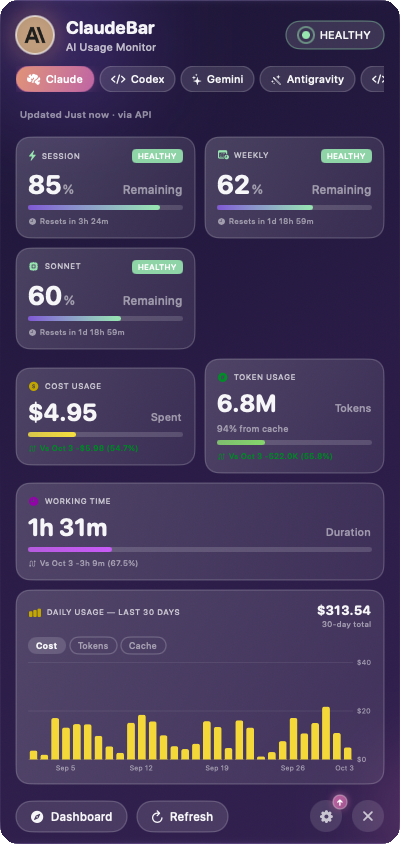
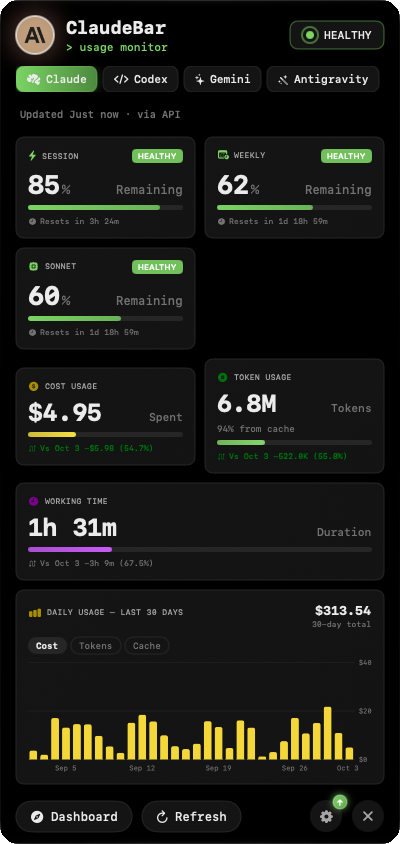
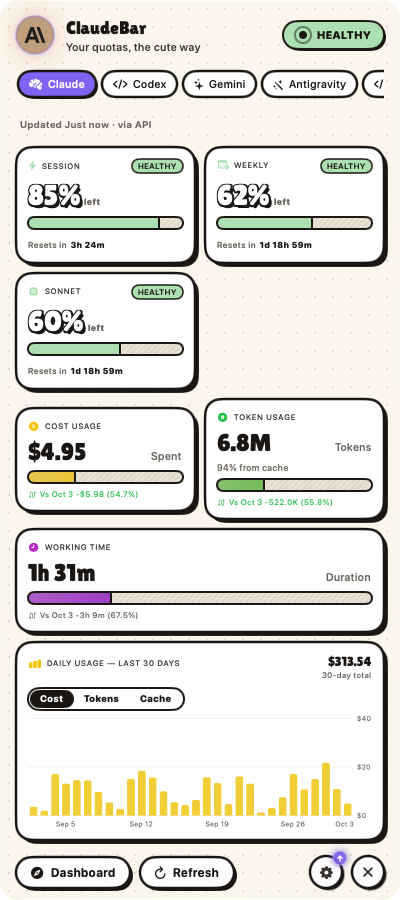
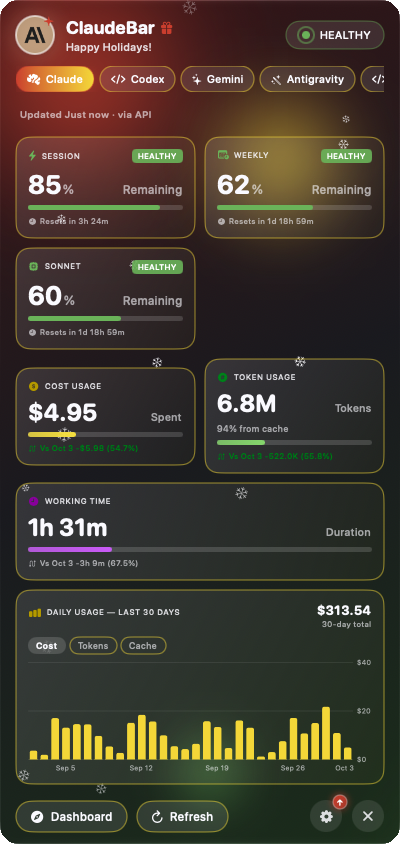
Already tuned your terminal? Import any .itermcolors file and ClaudeBar wears it too.
What it does
Everything here exists to answer one question faster: can I keep going?
Session, weekly and per-model windows, refreshed on an interval you choose — plus cost, tokens and working time where the provider reports them.
Timezone-aware, down to the second, with a colon that ticks on its own clock. You always know how long until the window turns over.
A system notification when a provider crosses into warning or critical — and when a window resets. Nothing else pings you.
Toggle any provider off in Settings. The tab strip and the menu bar shrink to match — no dead entries for tools you don't have.
Today's tokens next to yesterday's, and a 30-day chart — read from Claude's, Codex's and Mistral's own logs on your Mac. Cost where it can be priced, never a made-up $0.
Light, Dark, System, CLI, Pop and Christmas ship built in. Import an .itermcolors file and ClaudeBar generates a theme from it.
SwiftUI throughout, no web view in sight. Sparkle picks up new releases in the background, so the app you have is the current one.
New · Leaderboard
Join with a username, pick the providers to count, and ClaudeBar uploads your daily token totals every hour. Your rank, the top of the board and the gap to the next place sit in their own tab.
Today, 7 days or 30 days, all providers or one. Each row shows what a member's tokens went to, Claude or Codex, in each provider's colour.
Opt in, and your country counts toward a 3D globe on the web board. Only the country, never a city or an IP — and its tokens show once three members there opt in.
Add an X, Instagram or GitHub handle and it shows as an icon after your name. Handles only, never links typed in, and marked as not verified.
Only token counts leave your Mac — never prompts, projects, costs or your email — signed by a key that never leaves it. Off until you join; leaving deletes everything on the server.
Sponsor
 AppNexus
AppNexus for App Store Connect helps iOS and macOS developers manage multiple apps, screenshots and API keys from one Mac app.
Editorial independence: sponsorship does not influence which providers ClaudeBar supports, how they are ordered in the app, or how their quota data is reported.
Community
 itshan
 Avish Jha
 Ramiro
 LunarECL
 Chandler Anderson
 Matt Farmer
 Alex
Alex
 sailesh
 Billy Smith
 nero
nero
 BryanYue
 Tony Tang
 Frank Hommers
 Marcus Quinn
 hagiwara takayuki
 jeffscottmtl
 Tom
Tom
 Jeff Welling
 Zada5
Zada5
 fredericoricco-debug
 Kegan Hollern
 Jeff Green
 Benjamin Belaga
 romanvalent
 Amogh Akshintala
 Daniel Nakolah
 Mitsi-ag
 José Cancino Linares
 logancox
 y5mei
y5mei
 Hanson Kim
 Delweng
 Sridar Dhandapani
 Seunghwan Kim
 Ryan
Ryan
 Nicholas K. Dionysopoulos
 jzd101
 Hubert
 simplytoast1
 Jason He
 Arkadev Banerjee
 shoo99
 joakimt90
 Roy Tong
 Noah
Noah
 Nicholas
 Jason Featheringham ⊙ω⊙
 Brandon Pierce
Get ClaudeBar
brew install --cask claudebar
macOS 15 or later · free forever · auto-updates via Sparkle